Reconciliation queue
- Connect banks
- Import KRW lines
- Review & match
- Clear transfers
- Close month-end
Why do KRW feeds break reconciliation?
Bank feeds pull KRW transactions into your ledger so you can categorize and reconcile them. When feeds work, close is faster. When they break, duplicates and gaps appear. This page shows how to evaluate feed coverage and keep reconciliation reliable.
This month, one account
- Oct 02 1,240,000원 Deposit
- Oct 04 -318,500원 Card fee
- Oct 07 -2,000,000원 Transfer
- Oct 09 840,000원 Needs match
- Oct 11 -96,800원 Card fee
- Oct 14 2,150,000원 Deposit
A sample of the shape of a KRW feed: deposits, card settlements net of fees, and one internal transfer that should not count as income.
Start here
What bank feeds do in cloud accounting
A bank feed imports lines from your business accounts each day, including sales deposits, supplier payments, fees, and transfers. The system suggests categories and matches open invoices where possible. HelloBooks and Gensoft South Korea cloud accounting both highlight bank reconciliation and local bank feed support because Korean SMEs reconcile high volumes of KRW lines. Reliable feeds reduce typing; they do not remove the need for review.
- Imported each day
- Sales deposits, supplier payments, card settlements, fees, and internal transfers from every connected account.
- Suggested for you
- Categories based on past coding, and matches to open invoices where the amount and the counterparty line up.
- Still reviewed by a person
- A short check on new suppliers, transfers, and any line the system could not pair cleanly with an existing document.
Three habits that save the week
KRW specifics: fees, transfers, and memos
Korean bank memos can be short or truncated, and transfers between your own accounts look like new income if left unmatched. Card settlements arrive net of fees, which splits one sale into two ledger movements. Keep a transfer rule that pairs internal movements and a fee rule that separates settlement from charges. Ask vendors which major banks they support and how often feeds refresh during Korean business hours.
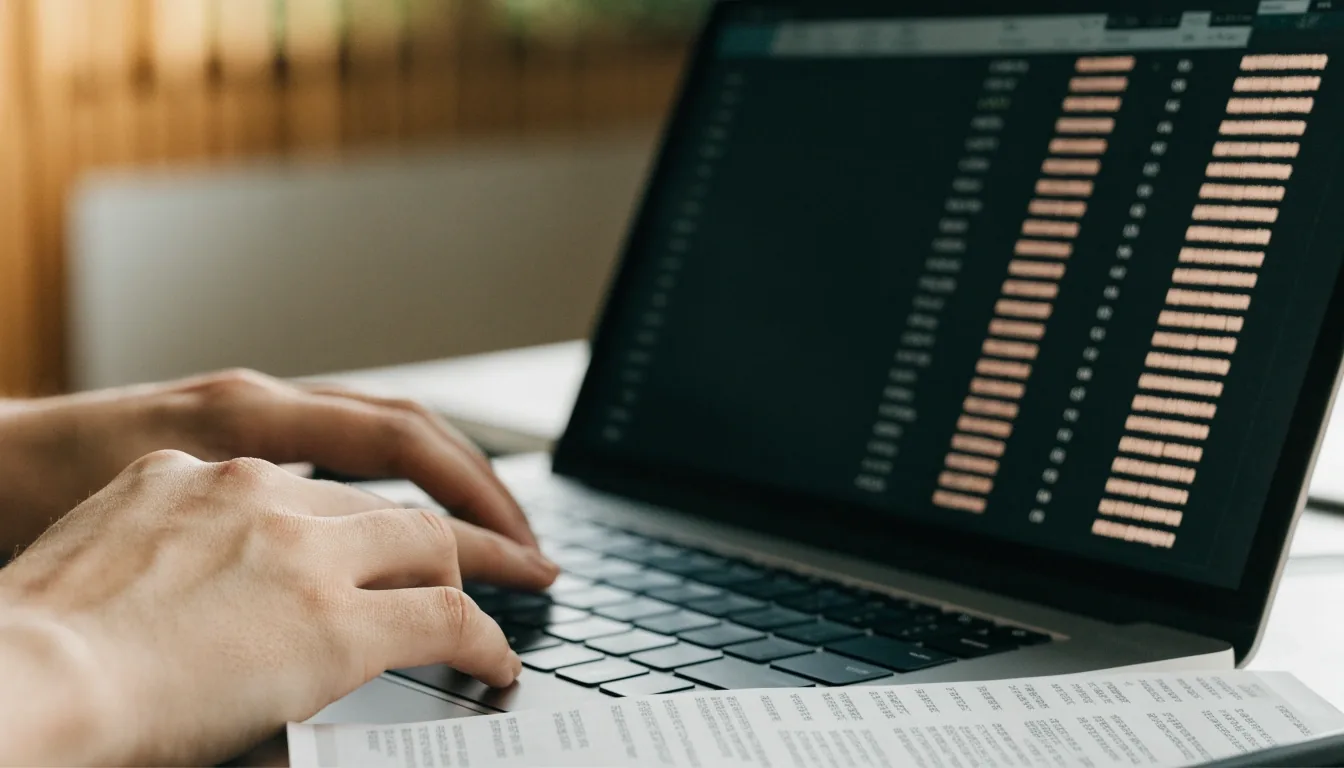
One account, one morning: a paper statement underneath the laptop while KRW lines sit in the ledger above.
- Transfer rule
- One rule pairs a move from your operating account to your tax reserve account, so it never lands as a taxable deposit.
- Fee rule
- A second rule separates the card settlement from the processing fee, so a single sale does not split into two unexplained rows.
- Memo repair
- Bank memos arrive truncated, so a short, consistent name for repeat suppliers is what makes the ledger readable a month later.
- Refresh cadence
- Ask vendors which major banks they support and how often feeds refresh during Korean business hours, before you sign a trial.
Transaction categorization that holds up
Good categorization uses a short, shared list tied to your chart of accounts and VAT types. Start with twenty to thirty categories that match how you actually spend in Korea: rent in Seoul, logistics from Incheon, subcontractors, advertising on domestic portals. Archive the rest. Review new supplier names weekly so automation learns from clean examples rather than from guesses.
-
Keep the list short
Twenty to thirty categories, each tied to a real account and a VAT type, leaves the picker fast and the month-end report clean.
-
Anchor on real vendors
Rent in Seoul, logistics from Incheon, subcontractors, and advertising on domestic portals do most of the work in a Korean ledger.
-
Archive the rest
A long tail of unused categories is what makes a picker slow and a wrong coding easy to repeat. Retire them on purpose.
-
Review new suppliers weekly
Fix the supplier name once, and the next import codes it cleanly; leave it, and the same guess comes back every month.
The weekly reconciliation routine
Twice a week, match imported lines to invoices and receipts, clear transfers, and flag unknowns for the owner. Leave a note on each exception with date and expected document. By month-end, only a handful of items should remain open. Firms that reconcile in small batches usually close by the 7th; firms that wait until month-end often spend twice as long hunting for a missing e-tax record.
Walk the routine in two passes
A Tuesday pass and a Friday pass, each on the lines that arrived since the last one.
-
01
Match the new imports
Pair each incoming deposit and payment with the invoice or receipt that already exists in the ledger.
-
02
Clear the transfers
Pair moves between your own accounts so they never inflate revenue and never sit as an unmatched deposit.
-
03
Flag the unknowns
Leave a note on any line you cannot place: the date and the document you expect to receive for it.
-
04
Close on a small list
Small batches mean a review-sheet of exceptions you can actually read; waiting until month-end means hunting.

The routine that keeps month-end short: small batches, one at a time, on the same desk.
- Batches per week
- 2
- Aim to close by
- 7th of the month
- What is worth reviewing
- New supplier names, transfers between your own accounts, refunds, and both halves of any card settlement.
When a feed goes quiet
When feeds disconnect or duplicate
Feeds pause after password changes, security checks, or bank maintenance windows. Duplicates appear when a manual upload overlaps an automatic import for the same dates. Keep a feed log with bank name, last sync time, and who reconnected it. Before any manual import, check the date range already covered. If you see doubles, undo the manual file rather than deleting ledger entries one by one.
Why feeds pause
Password change, a security check at the bank, or a scheduled maintenance window.
Why duplicates appear
A manual statement upload lands for dates the automatic feed already imported.
What to undo first
Remove the manual file, not the ledger entries; the automatic row is the one the matching already used.

A disconnected feed is a small problem when the log is up to date. It is a long afternoon when it is not.
What to keep in the feed log
- Bank or card issuer Who
- Date and time of the last successful sync When
- Who reconnected it or uploaded a manual file Who
- Date range already imported, before any manual upload Range
Questions to ask before you connect accounts
Ask which KRW banks and card issuers are supported, how memos map to payees, whether transfers auto-match, and how corrections appear in the audit trail. Ask also who can see bank balances under role permissions. A ceramic studio in Icheon with two staff needs different visibility than a fifty-person distributor in Suwon with a separate finance desk.
Coverage
Which KRW banks and which card issuers does the product actually connect to, and how often do those feeds refresh?
Memos and payees
How does a truncated bank memo map to a payee name, and can you set a short, consistent name once and let it stick?
Transfers and matches
Do transfers between your own accounts auto-match, and what does the product ask you to do when it is not sure?
Audit trail
If someone re-codes a line or reverses a match, does the correction leave a note the next reviewer can read?
Who sees balances
Which role permissions open bank balances, and does the shop floor need the same view as the finance desk?
Close and Hometax
How does the product carry a reconciled line into month-end, and how does that line end up consistent with your Hometax figures?
Before you connect the first account
Two questions we hear most often from Korean firms preparing their first cloud ledger, and the short answers we give.
Ask Elphunex about your bank setupWhich software supports KRW bookkeeping and bank reconciliation?
Local-first products position around KRW and local feeds, while global tools vary. Verify your specific banks and test with one full month that includes refunds and transfers.
Do we still need manual review if automation is enabled?
Yes. Automation drafts the coding; a person confirms VAT treatment, transfers, and exceptions. That short review is what keeps Hometax figures consistent.
Next step
Check your KRW feed before you sign anything
Write down the banks and card issuers you use, ask every shortlisted product to run one full month with refunds and transfers, and compare what each one leaves you to review at month-end. If you would rather talk it through first, we are on the phone Monday to Friday, 9:00 AM to 6:00 PM.
Elphunex · 26 Eulji-ro 5-gil, Jung-gu, Seoul 04522, South Korea · +82 2-6395-5079 · [email protected]